Can You Show a Digital Fishing License on Your Phone in Utah?
We've all been there: rushing out the door, tackle box packed, maybe a cooler full of snacks, and then that nagging thought hits you – "Did I grab my fishing license?" In today's digital world, the idea of having everything conveniently on our phones is incredibly appealing, especially when you're headed to a remote Utah stream or reservoir. This guide will dive deep into whether you can rely on your phone for proof of your Utah fishing license, what the Utah Division of Wildlife Resources (DWR) says about it, and how to make sure you're always covered when a warden checks.
The Official Word on Digital Licenses in Utah
The beauty of technology has truly transformed how we manage so many aspects of our lives, and fishing licenses are no exception. Gone are the days when a flimsy paper license, often crinkled or faded from wallet wear, was your only proof. Utah has embraced the digital age, much to the relief of many anglers.
What Utah DWR Says About Digital Proof
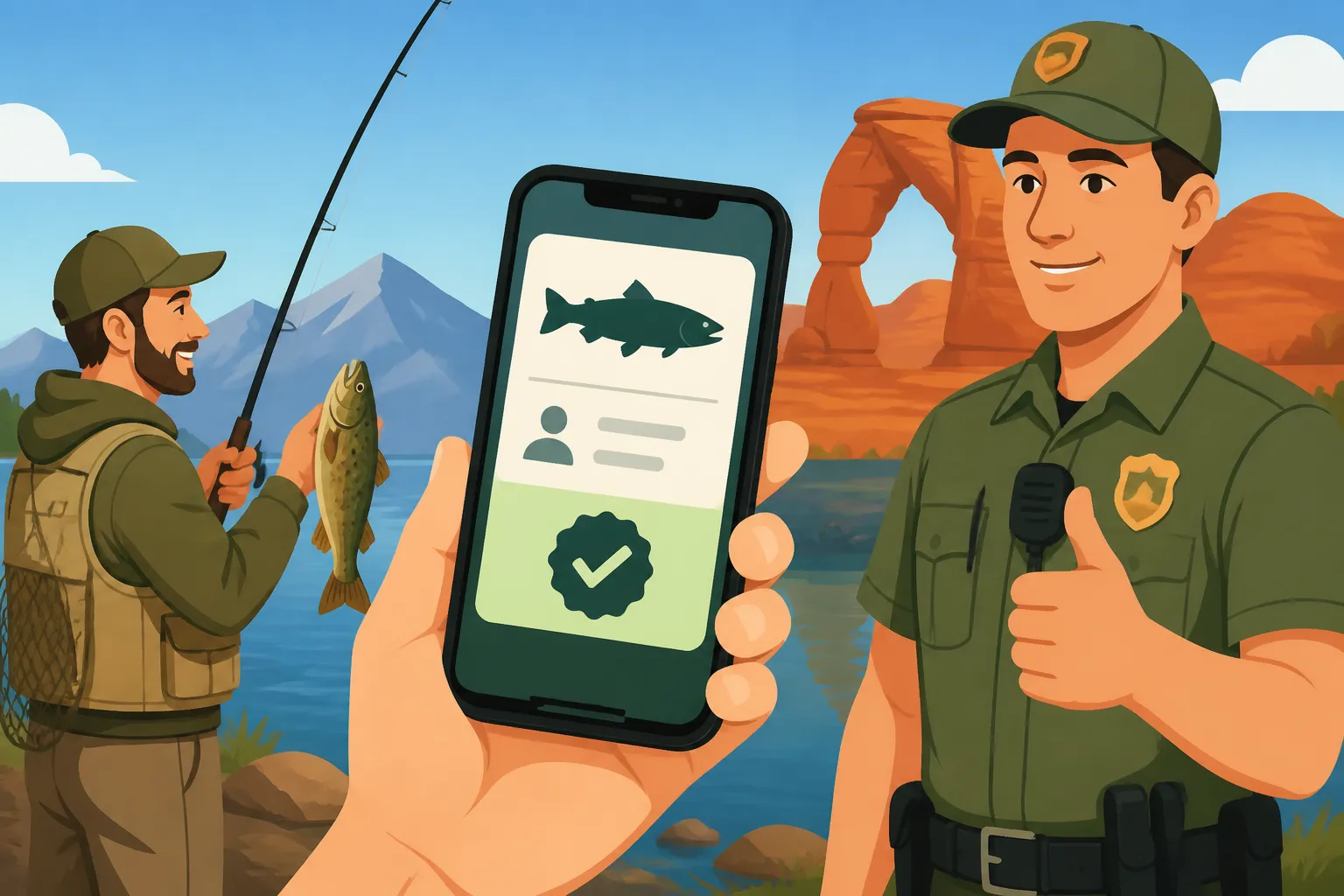
Here's the good news: the Utah Division of Wildlife Resources (DWR) absolutely allows you to present your fishing license digitally on your smartphone or tablet. This is a huge convenience and certainly eases a lot of pre-trip anxiety about misplacing that small, easily forgettable card. The DWR understands that most people carry their phones everywhere, making it a natural fit for displaying official documents. The key, however, is that the digital display must be clear, legible, and easily accessible. A blurry screenshot buried deep in your photo album from three years ago won't cut it, but a crisp, current display from their official app or a clear PDF often will. This policy reflects a modern approach to wildlife management, balancing enforcement needs with angler convenience. For more details on the general rules, you might want to check out our comprehensive Utah Fishing License Guide.
Advantages and Disadvantages of a Digital License
While the convenience of a digital license is undeniable, it's not without its own set of unique challenges. Understanding both the upsides and the potential pitfalls can help you decide how best to carry your license.
On the advantage side, the primary benefit is that you're far less likely to forget your license. Most of us check our phones dozens of times a day, and it's practically glued to our hands. Having your license stored there means one less physical item to remember to grab. It also means you don't have to worry about a paper license getting wet, torn, or faded over time, which can happen frequently during a day out on the water. Plus, if you've recently purchased your license online, accessing it immediately on your device means no waiting for mail or needing to print it out right away. For a deeper dive into the purchase process, see our guide on the Utah Fishing License Online Purchase Process.
However, there are some significant disadvantages that every angler needs to consider. The biggest one is battery life. Imagine being deep in the Uinta Mountains, having an incredible day fishing, and then a DWR officer approaches for a check, only to find your phone is dead. No power means no license display, and that can lead to unnecessary hassle. Another common issue is screen damage; a cracked screen might make your license unreadable, regardless of battery. And let's not forget about signal. Many of Utah's best fishing spots are in remote areas where cell service is non-existent. Without service, accessing an app or even a cloud-stored PDF might be impossible. While these aren't deal-breakers, they require a bit of foresight and preparation.
How to Properly Display Your Digital License
Knowing that you can use your phone is one thing, but knowing how to do it correctly and effectively is another. The goal is to make it as easy as possible for a DWR officer to verify your license, ensuring a smooth interaction.
Using the Utah DWR Hunting and Fishing App
The absolute best way to display your digital fishing license in Utah is through the official Utah DWR Hunting and Fishing App. This app is designed specifically for this purpose and provides the most reliable and official way to access your license information. Once you've purchased your license, it usually appears within the app almost instantly. This means no fumbling with email attachments or worrying about whether you saved the correct file.
To use it, first, you'll need to download the app from your phone's app store. After installing, you'll log in with your DWR account credentials. Inside the app, there's a dedicated section where your current licenses are displayed. Tapping on your fishing license will bring up a clear, official-looking version that includes all the necessary details: your name, license type, expiration date, and your DWR customer ID. This format is instantly recognizable by DWR wardens, making verification quick and painless. It's also great if you manage licenses for multiple family members; you can often toggle between them within the app, which is a lifesaver when you're out with kids. Ensuring your phone has enough juice to power this app, especially in the backcountry, is crucial. Many anglers rely on portable chargers, which you can easily find on platforms like Amazon, to keep their devices charged throughout a long day on the water.
Storing a PDF or Photo of Your License
If, for some reason, the official app isn't an option for you, or you prefer a backup, storing a PDF or a clear photo (screenshot) of your license on your device is generally acceptable. However, there are a few important caveats to keep in mind. The primary concern is readability and completeness. The image or PDF must show all the vital information, including your full name, license type (e.g., resident annual fishing), the valid dates, and your customer ID number. It needs to be as clear and crisp as a physical license.
Think of it this way: if a DWR officer has to squint, zoom in excessively, or can't make out critical information, they might deem it insufficient proof. So, if you're going this route, make sure the screenshot is high-resolution and that you store it in an easily accessible folder on your phone, perhaps even as a favorite photo, so you're not scrolling endlessly when asked to produce it. Some anglers even take the extra step of laminating a printed copy of their PDF license as a robust physical backup, ensuring they have something reliable even if their tech fails. You can often find affordable laminating sheets and small printers on Amazon if you want to make your own backups at home.
When a Digital License Might Not Be Enough and What to Do
While digital licenses are incredibly convenient, there are specific situations where relying solely on your phone can put you in a tough spot. Being aware of these scenarios and having a backup plan is paramount for any responsible angler in Utah.
Remote Areas and Battery Concerns
Utah is a state of stunning, vast landscapes, and many of its best fishing spots are truly off the beaten path. Think about places like high mountain lakes in the Uintas or remote sections of the Green River below Flaming Gorge. In these areas, cell service is often non-existent. If your digital license relies on an internet connection to load within an app or from cloud storage, you're out of luck. Even if the app stores a cached version, a dead phone battery renders it useless.
It's a frustrating but common scenario: you're enjoying the tranquility of nature, completely disconnected, and then your device dies. This isn't just an inconvenience; it can lead to legal issues if you can't produce your license when asked. To mitigate this, always carry a fully charged portable power bank. There are many robust, waterproof options available on Amazon that can recharge your phone multiple times, ensuring your digital license remains accessible. Also, consider downloading your license as a PDF file directly onto your phone's storage, rather than relying on an internet connection to pull it up. This way, as long as your phone has power, you can access the file.
Physical License as a Backup
Given the potential issues with digital licenses, having a physical backup is always a smart move. Think of it as your insurance policy against technological glitches, dead batteries, or bad service. This doesn't mean you must carry a plastic card from a vendor, but it does mean having a printed copy that's durable and easily accessible.
After purchasing your license online, you usually have the option to print a temporary license. Taking the time to print this out, perhaps on a slightly heavier paper or even laminating it yourself, provides an excellent, reliable backup. You can slip it into your tackle box, a waterproof pouch, or even a ziploc bag in your fishing vest. In a scenario where your phone is dead, lost, or damaged, that physical piece of paper could save you from a citation. It offers peace of mind, knowing that no matter what technical hiccup you encounter, you still have verifiable proof of your legal right to fish. You can learn more about how to replace a lost license by referring to our guide on How to Replace a Lost Utah Fishing License.
What Happens During a License Check
Encountering a DWR conservation officer is a routine part of fishing in Utah. They are there to protect wildlife and ensure everyone is following the rules, so a license check is a standard procedure. Knowing what to expect and how to act can make the process smooth for everyone involved.
Interaction with a Utah DWR Warden
When a Utah DWR conservation officer approaches you for a license check, the most important thing is to be cooperative and polite. They are simply doing their job to ensure compliance with Utah's fishing regulations. When asked for your license, present your digital license on your phone clearly and promptly. Make sure your screen is clean, bright, and that the text is easy to read without the officer having to handle your phone excessively.
The warden will typically look for your name, DWR customer ID, the type of license (e.g., annual fishing, 3-day nonresident), and the expiration date. They might also ask for a photo ID to confirm your identity matches the license. If you're using the official DWR app, it makes their job much easier, as the format is consistent and familiar to them. If you’re using a PDF or screenshot, ensure it's not buried deep in your phone's memory. The goal is a quick, efficient verification, allowing both you and the officer to get back to enjoying the outdoors. Keeping your cool and being respectful goes a long way, especially if there's any confusion.
Consequences of an Invalid or Undisplayable License
This is where the rubber meets the road. If you're unable to produce a valid and legible fishing license, even if you technically purchased one, you could face consequences. DWR officers have the discretion to issue a warning or a citation, depending on the circumstances. For instance, if your phone is dead but you can explain that you have a license and offer to show proof later, they might be more lenient than if you simply state you don't have one and can't provide any evidence.
Fishing without a license, or being unable to present proof of one, is a violation of Utah law. Penalties can range from fines to, in more serious or repeat offenses, even the suspension of fishing privileges. The monetary fines can be quite substantial, making that initial license purchase seem like a bargain in comparison. It's a risk simply not worth taking. Always aim to have your license, either digital or physical, readily available and clearly displayable. To understand the specifics of what might happen, our article on Utah Fishing License Penalties for Violations offers a detailed breakdown.
Here's a quick comparison to help you weigh your options:
| Feature | Digital Fishing License (Phone App/PDF) | Physical Fishing License (Card/Printout) |
|---|---|---|
| Convenience | High, always with your phone, no risk of leaving it at home | Moderate, requires remembering to grab it, can be bulky |
| Accessibility | Instant via app/file, but dependent on battery and signal | Always accessible, no battery or signal needed |
| Durability | Phone susceptible to damage (cracks, water), battery drain | Card can tear, fade, get lost; printouts can get wet/damaged |
| Verification | Quick via DWR app; might require more scrutiny for screenshots/PDFs | Universally accepted, clear and tangible |
| Backup Value | Can be a backup to a physical card | Excellent backup for digital license failures (dead phone, no signal) |
| Cost | No additional cost beyond phone/license | Minimal cost for printing/laminating, or DWR replacement card |
So, while the digital option is certainly convenient and widely accepted, having a physical fallback is still highly recommended for ensuring you're always squared away, especially when venturing into Utah's remote and beautiful fishing grounds.
Disclaimer
The information provided in this guide is for general informational purposes only and does not constitute legal advice. While we strive to provide accurate and up-to-date information, fishing regulations and policies can change. Always refer to the official Utah Division of Wildlife Resources (DWR) website or contact them directly for the most current and authoritative rules and regulations regarding fishing licenses and their display.