How to Store a Utah Fishing License on Your Phone
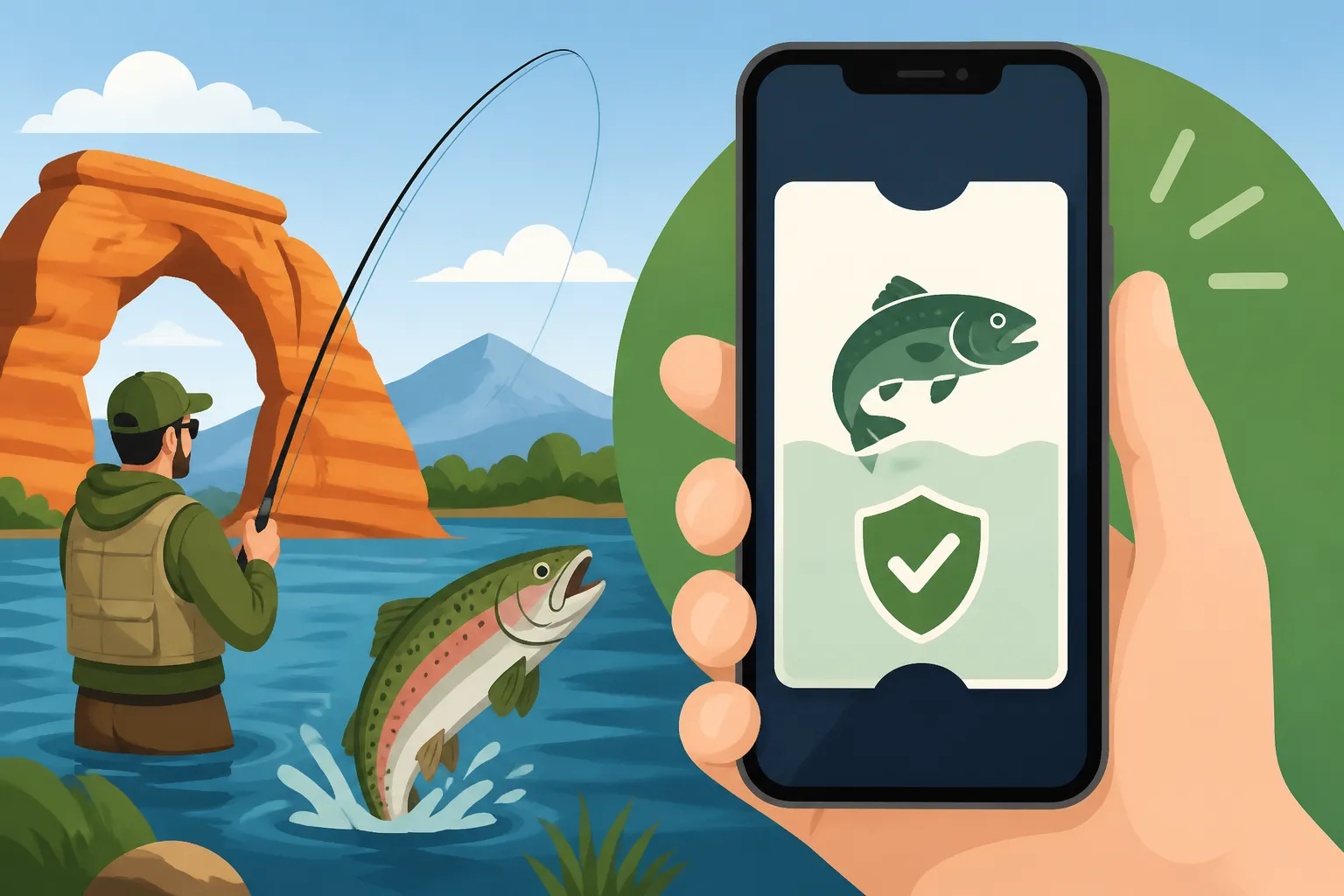
It's incredibly frustrating when you're out on the water, excited for a day of fishing, and suddenly realize your physical Utah fishing license is either tucked away in a wallet you left at home, or worse, has become a soggy mess. Many anglers face this yearly dilemma, but thankfully, modern solutions mean your fishing license can be as close as your smartphone. This guide will walk you through exactly how to safely and effectively store your Utah fishing license on your phone, ensuring it’s always ready when a DWR officer asks to see it.
Understanding Your Digital Utah Fishing License
Gone are the days when a crisp, laminated card was your only proof of a valid fishing license. The Utah Division of Wildlife Resources (DWR) has embraced technology, making it much easier for anglers to carry their credentials. But it's important to understand what's legally acceptable and what isn't, so you don't run into any hiccups on the water.
The Legal Backing for Digital Licenses
The first question most people ask is, "Is a digital copy actually legal?" And the answer, happily, is yes! The Utah DWR recognizes that carrying a physical license isn't always practical, especially when you're out in the elements. They explicitly allow anglers to present their fishing license on a mobile device, provided it is clear and legible. This means no blurry screenshots, no dimly lit screens, and certainly no old, expired versions. The intent is for the officer to be able to quickly and easily verify your licensing information on the spot. It’s all about accessibility and clarity. If an officer cannot readily read the necessary details, it could lead to complications, potentially even a citation for not possessing a valid license, which falls under the umbrella of Utah Fishing License Penalties for Violations. So, while convenient, the digital option still comes with the responsibility of ensuring it's presented correctly.
What a Digital License Looks Like
When you display your license digitally, either through an app or a saved image, it needs to contain all the crucial information found on a physical license. This typically includes your full name, your DWR customer ID number, the specific type of license you possess (e.g., annual fishing, combination hunt/fish), the effective dates of the license, and the cost. For example, if you have a Utah Combination Hunting and Fishing License, all those details should be clearly visible. It’s not just about having something on your phone; it’s about having the complete and accurate information that an officer needs to verify your compliance with Utah Fishing Regulations Explained. Think of your phone screen as a portable display for your official document. Any additional stamps or permits you might have, such as a Two-Pole Permit, should also be readily available for inspection, either on the same digital document or as a separate, clearly accessible digital file.
Step-by-Step Guide to Storing Your License on Your Phone
Now that we know what's required, let's get down to the nitty-gritty of actually getting that license onto your phone. There are a few reliable methods, each with its own advantages.
Using the Utah DWR Hunting & Fishing App
The most recommended and straightforward way to carry your license digitally is by using the official Utah DWR Hunting & Fishing App. This app is designed specifically for this purpose and integrates seamlessly with your DWR account. It's available for both iOS and Android devices and is packed with other useful features.
To get started, simply head to your phone's app store (Apple App Store for iPhones, Google Play Store for Android) and search for "Utah DWR Hunting & Fishing." Once you've downloaded and installed it, you'll log in using your DWR customer ID and password. This is the same login you’d use if you were to complete the Utah Fishing License Online Purchase Process on their website. After logging in, navigate to the "Licenses" section, and your current, valid licenses should appear. The beauty of this app is that once your license is loaded, it's typically accessible even if you lose cell service, which is a huge plus when you're out in some of Utah's more remote fishing spots. It acts as a live, verifiable document, often even displaying a dynamic timestamp or other security features to prove its authenticity. Having a reliable phone case, perhaps one you picked up from Amazon, can provide peace of mind that your device, and thus your license, is protected from the inevitable bumps and splashes of a fishing trip. For more details on what the app offers, you might want to check out Utah Hunting and Fishing App Features.
Saving a PDF or Screenshot
If for some reason you can't or prefer not to use the official DWR app, saving a PDF or a high-quality screenshot is a viable alternative. This method essentially creates a static image or document of your license that you can store in your phone's photo gallery, files app, or a dedicated folder.
To do this, you'll first need to access your license digitally through the Utah DWR website. After logging into your DWR account, you'll usually find an option to print or view your license. From there, you can either select the "print to PDF" option on your computer and then email the PDF to yourself, or simply take a screenshot of the digital license displayed on your screen. When taking a screenshot, be absolutely sure that the entire license, with all the required information, is clearly visible and legible. Zoom in if necessary to capture all text and dates. Once you have the PDF or screenshot, save it to a easily accessible folder on your phone, perhaps titled "Fishing Licenses," so you can quickly pull it up when needed. Remember, the key is clarity and accessibility. An officer needs to be able to read all the details clearly, just as if you were handing them a physical card. Ensure your phone's screen is clean and its brightness is turned up when presenting the image.
Cloud Storage for Backup and Easy Access
For those who like an extra layer of security and accessibility, storing your license in a cloud service is an excellent idea. Services like Google Drive, Dropbox, or Apple's iCloud allow you to upload files and access them from any of your devices, as long as you have an internet connection.
The process is simple: once you have your license saved as a PDF or a screenshot (as described above), upload that file to your preferred cloud storage service. Create a dedicated folder for important documents, like "Fishing Licenses & Permits," to keep it organized. The major advantage here is redundancy. If your phone gets lost, stolen, or damaged, you can simply log into your cloud account from another device – a friend's phone, a tablet, or even a computer – and retrieve your license. This can be a lifesaver if you're on a multi-day trip and accidentally drop your phone in the water. Plus, many cloud services offer offline access to files, meaning you can mark your license PDF as "available offline" and access it even without cell service. This strategy gives you peace of mind, knowing your license is safely backed up and always reachable, regardless of what happens to your primary device.
Best Practices for Digital License Management
Having your license on your phone is convenient, but it also comes with a few responsibilities to ensure you're always compliant and ready for inspection.
Ensuring Accessibility and Readability
When a DWR officer asks to see your license, they expect a clear, immediate presentation. This means having your phone charged, your screen clean, and your license readily accessible. Imagine the frustration of an officer waiting while your phone struggles to load a blurry image or you frantically search through hundreds of photos. Before you even head out, make sure your phone is adequately charged – consider carrying a portable power bank, which you can easily find on Amazon, especially if you're planning a long day on the water.
Also, be mindful of your phone's screen brightness. In bright sunlight, a dim screen can make your license impossible to read. Always be prepared to increase your screen brightness to maximum when presenting it. Furthermore, consider a backup plan. Even with the DWR app, sometimes technology fails. Having a physical backup license printed out and tucked into your tackle box or glove compartment is a smart move. Another good practice is to share a clear screenshot with a trusted fishing buddy who is also on the trip. That way, if your phone takes an unexpected swim, they might be able to display your license for you. This is crucial because getting caught fishing without proof of a valid license can lead to significant issues, even if you did purchase one. Remember the guidelines for Can You Show a Digital Fishing License on Your Phone in Utah? – clarity is paramount.
Protecting Your Digital License and Personal Information
While convenient, digital licenses mean your personal information is on your phone. It's essential to protect it. Always keep your phone locked with a passcode, fingerprint, or facial recognition. This prevents unauthorized access to your license and other sensitive data if your phone falls into the wrong hands. Avoid sharing screenshots of your license on social media, as this could expose your personal details to potential scammers. The DWR app is generally secure, but relying on simple screenshots in your photo gallery can be less so.
Make sure your DWR app and your phone's operating system are regularly updated. Updates often include security patches that protect your data from vulnerabilities. If you ever sell or trade in your phone, perform a factory reset to ensure all your personal information, including any saved licenses, is completely wiped. It's about balancing convenience with smart digital hygiene. Your fishing trips should be about relaxation, not worrying about identity theft.
What to Do If Your Phone Dies or Gets Damaged
Let's face it, accidents happen. Phones get dropped, batteries die, and sometimes they just decide to stop working at the most inconvenient moment. What do you do if your primary method of displaying your license suddenly fails?
Having a physical backup is your best defense. Many anglers still prefer to print a copy of their license and keep it in a waterproof bag or container in their tackle box, boat, or vehicle. This simple step can save you a lot of hassle. If you're fishing with a group, ensure at least one other person has access to your license information or a screenshot, as mentioned earlier. In a pinch, if your phone is completely dead or lost, you can usually contact the DWR directly, either by phone if you have access to another device, or by visiting a DWR office or license agent. They can verify your license through their system based on your customer ID and name. In some cases, if you have access to a computer, you might even be able to log into your DWR account online and pull up your license digitally on that device. Knowing How to Replace a Lost Utah Fishing License is also good information to have for physical licenses that go missing, but for digital ones, these immediate contingency plans are often more practical.
Here's a quick comparison of the various digital storage methods:
| Feature | Utah DWR Hunting & Fishing App | PDF/Screenshot in Phone Gallery | Cloud Storage (Google Drive, iCloud) |
|---|---|---|---|
| Ease of Setup | Moderate (Download app, log in) | Easy (Download/screenshot, save) | Moderate (Save file, upload to cloud) |
| Offline Access | Excellent (Once loaded, generally available) | Excellent (Always available if saved locally) | Good (If marked "available offline") |
| Security | High (Official, protected by DWR login) | Moderate (Depends on phone security, easily shareable/visible) | High (Protected by cloud account login) |
| Verification Speed | Excellent (Quick access, official display) | Good (Quick if easily located, can be misinterpreted) | Moderate (Requires internet if not offline, then download) |
| Redundancy/Backup | Moderate (Tied to device, but easily reloaded on new device) | Low (Tied to device, lost if phone lost) | Excellent (Accessible from any device with internet) |
| Other Features | Hunting/fishing reports, regulations, maps | None (just the license image) | General document storage, sharing |
| Required Information | Automatically displays all required details | Requires careful capture of all details | Requires careful capture of all details |
| Best For | Primary method for active anglers | Quick, simple alternative or secondary backup | Ultimate backup, cross-device accessibility |
Remember, your annual fishing license typically lasts for one year from the date of purchase, not necessarily a calendar year. To avoid any confusion, always refer to your specific license's valid dates. You can find more information on this in How Long Does a Utah Fishing License Last?. Keeping it digital makes it easy to confirm your current license status before you head out.
Disclaimer
The information provided in this guide is for general informational purposes only and is not a substitute for official regulations. Always consult the most current Utah Division of Wildlife Resources (DWR) regulations and guidelines for precise legal requirements. Fishing rules and regulations can change, so it's your responsibility to stay informed.